

Raphael AI is an online AI image and video generator that turns text prompts into images and short videos, with editing tools for background removal, image expansion and upscaling. Basic image generation works without an account, and the company says the free Basic model returns an image in about 8 seconds.
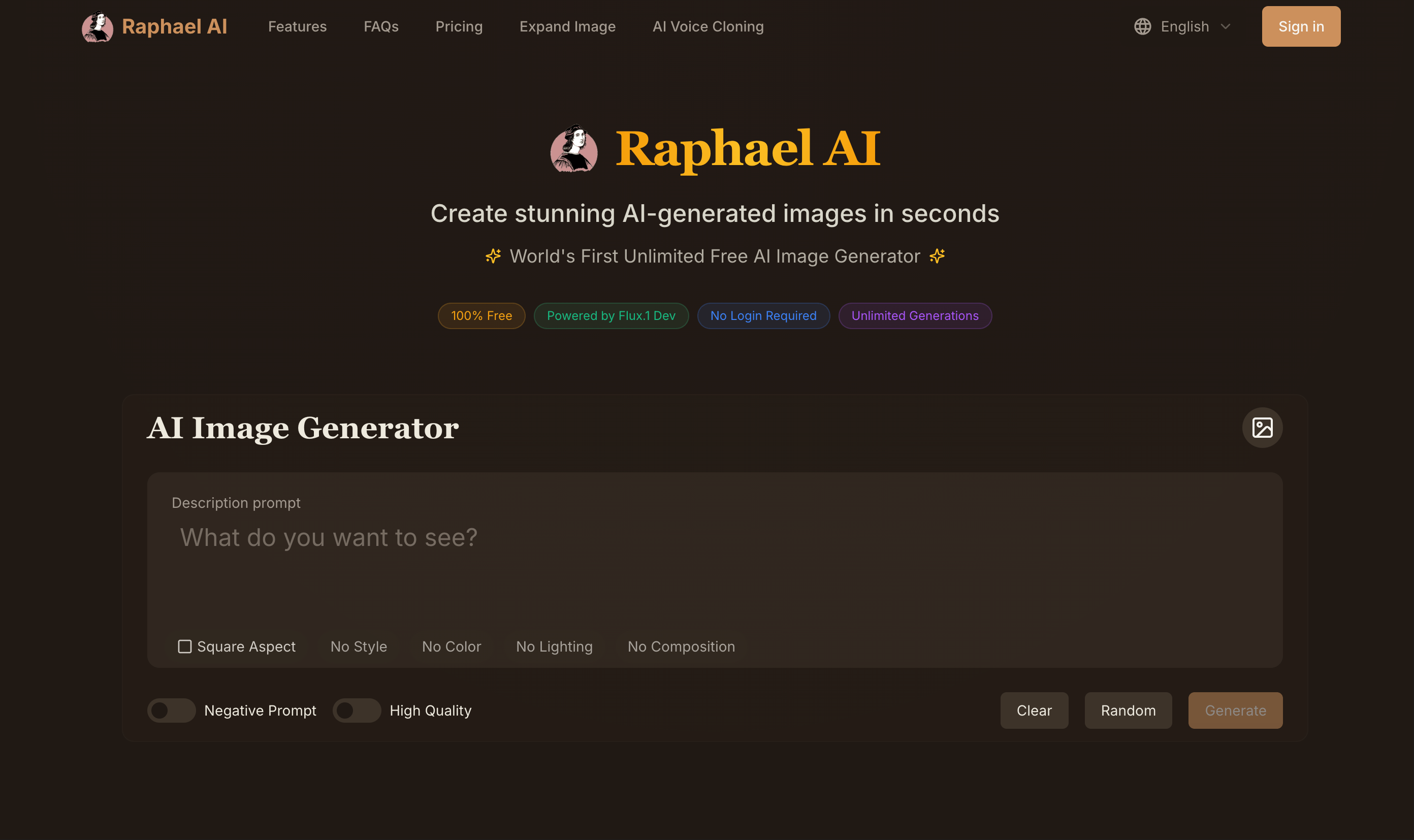 raphael.app · open full screenshot
- Starts at
- $10 / month
- Free plan
- Yes
- Category
- AI Image Generator
What Raphael AI does
Several image models in one generator
Switch between models such as GPT Image 2, Nano Banana 2.1, Seedream 5.0 and Grok Imagine Image 2.0 without leaving the same generator.
Image editing tools
The editor includes background removal, image expansion, upscaling, watermark removal and style transformation.
Reference images
Add up to six reference images in the main generator, or up to 16 when using GPT Image 2, to guide the output.
Batch output
Generate up to four images from one prompt, which helps compare directions before choosing one.
Text rendering with GPT Image 2
GPT Image 2 is built for long prompts and readable text inside images, including posters, menus and packaging.
AI video generation
The site offers free AI video with MiniMax H3 Turbo and no sign-up needed.
How to use Raphael AI
- 1Open raphael.app and choose AI Image or AI Video.
- 2Pick a model such as Seedream 3.5, GPT Image 2 or Nano Banana 2.1.
- 3Write a prompt, optionally add reference images, and set the aspect ratio and output number.
- 4Generate the image or video; basic image generation works without signing in.
- 5Use the editor tools to remove a background, expand, upscale or remove a watermark.
Popular for
Designers exploring concepts
Designers can test several visual directions from one prompt and compare up to four outputs at a time.
E-commerce product visuals
E-commerce teams can generate product showcase images and product shots, including with GPT Image 2 for photoreal materials.
Marketing and social content
Marketers can create posters, packaging concepts and other visuals that need readable in-image text.
Video creators trying clips
Video creators can try text-to-video generation with MiniMax H3 Turbo without creating an account.
Raphael AI pricing
FreemiumRaphael AI has a free plan and paid plans starting at $10 per month.
Pros
- You can start with basic image generation without an account or payment.
- The free Basic mode is unlimited, so you can experiment without buying credits.
- Signing in adds free daily credits and access to higher-resolution models up to 2K.
- Paid plans add priority queue access and remove watermarks.
- Paid plans include full privacy, so images are not shared in the public gallery.
Cons
- Free images include a watermark.
- The free Basic mode is slower than paid models and does not include Fast Mode.
- Direct plan changes are not supported; you cancel renewal and wait for the current billing period to end.
- MiniMax H3 and MiniMax H3 Turbo are listed as not included on Pro and Ultimate plans.
Raphael AI FAQ
Is Raphael AI free?
Yes. Raphael AI has a free plan, and basic image generation works without an account.
What is Raphael AI used for?
It is used to generate images and short videos from text prompts, and to edit images with tools such as background removal, expansion and upscaling.
Do I need an account to use Raphael AI?
No for basic image generation; the site says no login is required. Signing in gives free daily credits and higher-resolution models up to 2K.
Can I use my own reference images?
Yes. The main generator accepts up to six reference images, and GPT Image 2 accepts up to 16.
Can I use Raphael AI images commercially?
The pricing page says upgrading gives commercial use; the free plan includes watermarked images.
Can I get a refund?
The site says digital and virtual product purchases are generally non-refundable. Billing issues can be sent to support@raphael.app.
Alternatives in AI Image Generator


Written from raphael.appraphael.app/pricingraphael.app/gpt-image-2· reviewed by a person · updated Nov 3, 2026