

Krea is a web app that generates and edits images, video, 3D objects and voiceovers with AI, grouping 20+ tools and 64+ models in one workspace. You can start from a text prompt or a reference image, compare models such as Krea 3, Nano Banana, Veo, Kling and Seedance, then refine or upscale the result without leaving the app.
It also runs inside software designers already use: plugins put generation into Photoshop, After Effects, Illustrator, Premiere Pro, DaVinci Resolve, Blender and ChatGPT. Krea says it powers millions of creatives, enterprises and everyday people, and its architecture pages list practices such as Henning Larsen, Gensler and Perkins Will among users.
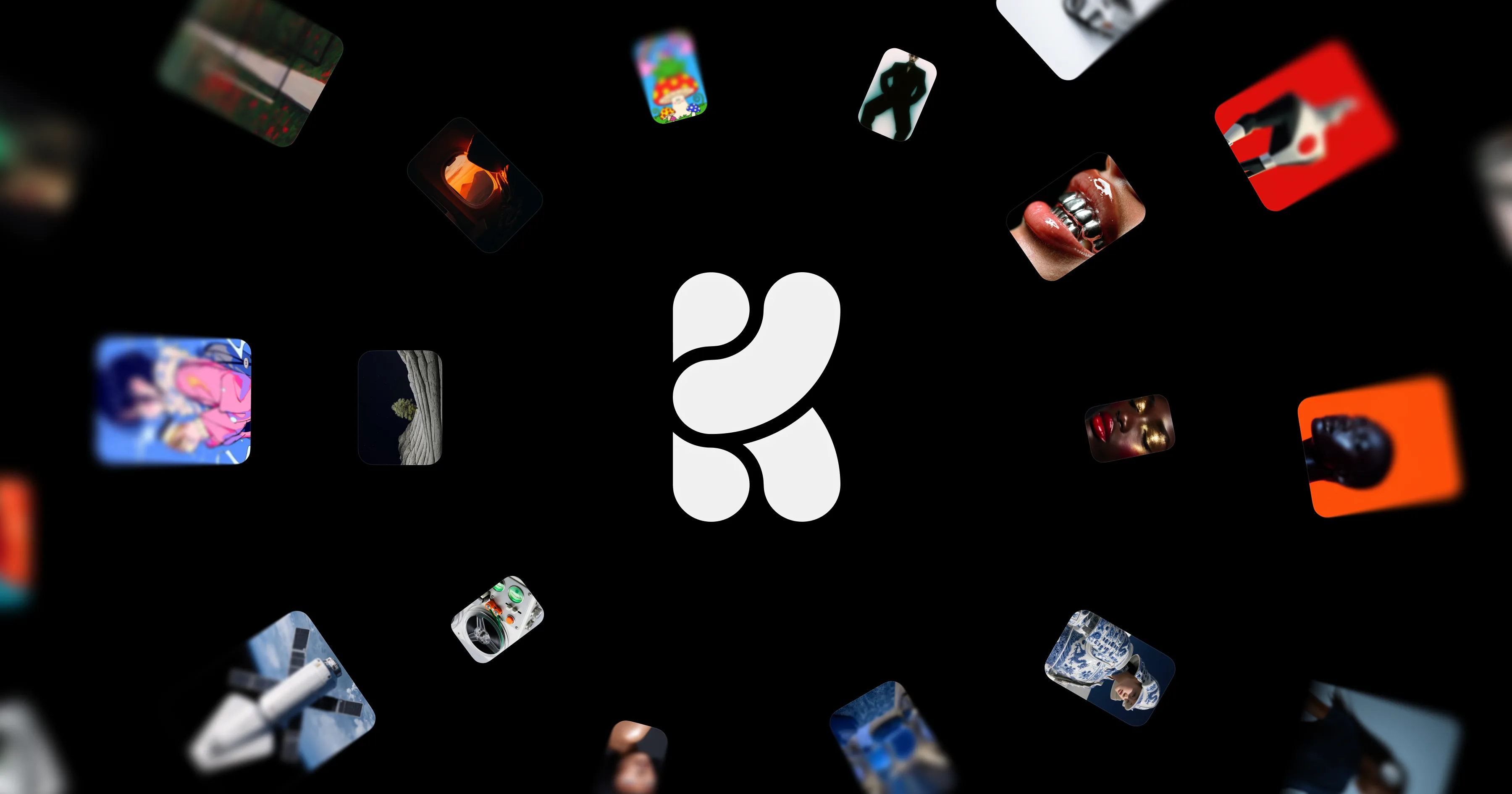 krea.ai · open full screenshot
- Pricing
- Free
- Free plan
- Yes
- Integrations
- Photoshop, After Effects, Illustrator, Premiere Pro, DaVinci Resolve, Blender
- Platforms
- web
- Category
- AI Image Generator
What Krea does
Image generation
Describe an image in text or supply a reference and get photos, art or design concepts back. The image side covers 1000+ styles, 20 models, native 4K output, image prompts and style transfer.
Video generation
Generate clips from a prompt or animate a still photo, then restyle footage, transfer motion between clips or sync a video to an audio track. The video tools draw on models including Seedance, Kling and Veo.
Editing and upscaling
An image editor that takes plain-language instructions lets you change a picture without masks, and the upscaler handles images and video up to 22K. The site shows a 512px to 8K enlargement as an example.
Custom styles and moodboards
The Train tool fine-tunes models on your own data so output follows a house look, and moodboards steer results with reference images instead of long prompts.
Plugins for design software
Generate and edit inside Photoshop, After Effects, Illustrator, Premiere Pro, DaVinci Resolve, Blender and ChatGPT rather than exporting files between apps. Each plugin is aimed at the host tool, such as video inside a Premiere Pro timeline.
Nodes, mini apps and API
Nodes chain several models into a repeatable workflow, community-made mini apps package common tasks, and a public API plus MCP support let you call Krea from your own setup.
How to use Krea
- 1Sign up for free at krea.ai and open the app in a browser.
- 2Choose a tool from the sidebar: image, video, upscale, 3D or voice.
- 3Write a prompt or add a reference image, then switch models to compare results.
- 4Refine in the editor, upscale the output, or animate a still into video.
- 5Optionally install a plugin for Photoshop, Blender or Premiere Pro, or connect through the API.
Popular for
Architects and spatial designers
Turn sketches, models, renders and working views into images, edits and motion studies for concept design, client reviews and competitions, without waiting on a final CGI.
Image editors and retouchers
Edit a photo with words, swap or relight a background, then upscale the result for print or large-format use.
Video and motion teams
Produce plates, backgrounds and inserts inside Premiere Pro or DaVinci Resolve, or restyle and lipsync existing footage in the browser.
Brand and marketing teams
Keep a consistent look with trained models and moodboards, and generate photoreal or editorial-style imagery for campaigns and product pages.
Pros
- A free plan lets you test the tools before paying.
- Images, video, 3D, upscaling and voiceovers sit in one subscription instead of separate tools.
- Plugins bring generation into Photoshop, After Effects, Illustrator, Premiere Pro, DaVinci Resolve, Blender and ChatGPT.
- A public API and MCP support make it usable outside the browser app.
- Models from several providers sit alongside Krea's own, so you can compare outputs in one place.
Cons
- Web only: there is no desktop or mobile app, and working inside other software means using a plugin.
- The toolset is large (20+ tools, 64+ models), so a first session means choosing among many options.
- Results depend on which model you select, and the third-party models on offer are not controlled by Krea.
Krea FAQ
Is Krea free?
Yes, Krea has a free plan and you can sign up without paying. Paid tiers are listed on the pricing page.
What is Krea used for?
Generating and editing images, video, 3D objects and voiceovers, plus upscaling images and video. It is also used for concept work in architecture and design.
Does Krea work inside Photoshop and other design tools?
Yes. Krea ships plugins for Photoshop, After Effects, Illustrator, Premiere Pro, DaVinci Resolve, Blender and ChatGPT.
Is there an API?
Yes, Krea has a public API, and the site also lists MCP support for connecting the tools to other software.
What is Krea 3?
Krea 3 is Krea's own image model, described on the site as photoreal, editorial and on-brand. It sits alongside third-party models such as Nano Banana, Flux and Ideogram.
Can I train Krea on my own style?
Yes. The Train tool fine-tunes models with your own data, and moodboards let you steer results with reference images.
Alternatives in AI Image Generator


Written from krea.aikrea.ai/pricingkrea.ai/features/ai-image-generatorkrea.ai/solutions/architecturekrea.ai/blog/category/guides· reviewed by a person · updated Nov 3, 2026