

Otter Meeting Agent is an AI meeting assistant that records and transcribes conversations, turns each one into a summary with decisions and action items, and pushes the follow-ups into the tools a team already uses.
It works before, during and after a call: briefing documents arrive ahead of the meeting, coaching prompts appear while people are talking, and next steps are captured and assigned afterwards. The company says its meeting AI turns talk into action, and it also sells specialised agents for sales development and recruiting.
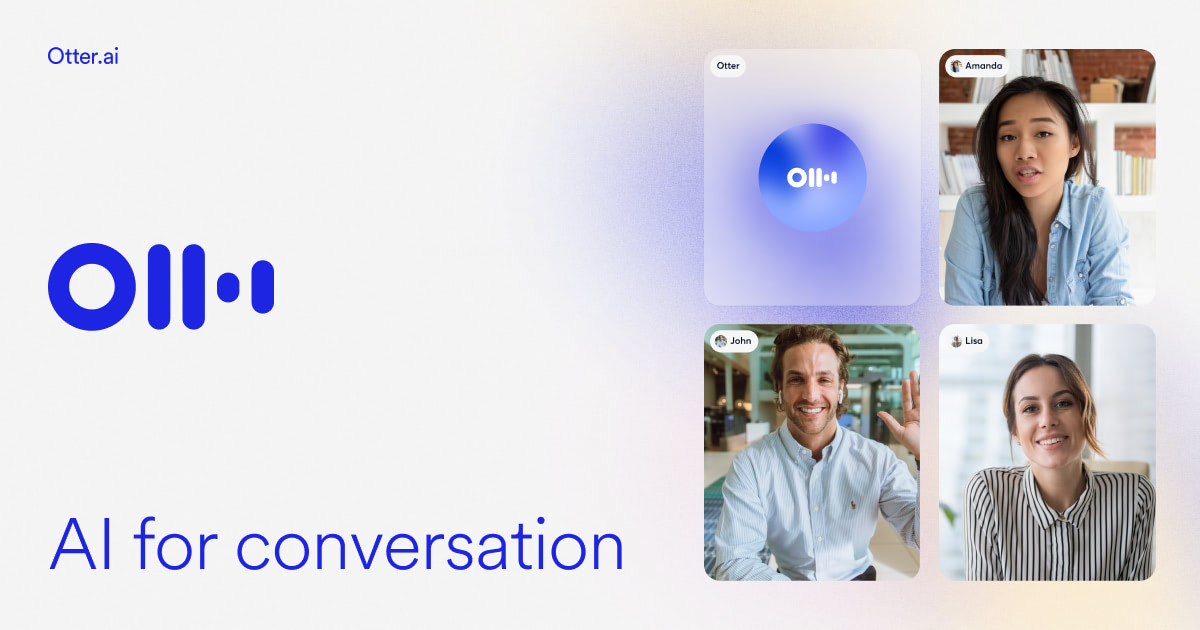 otter.ai · open full screenshot
- Pricing
- Freemium
- Free plan
- Yes
- Integrations
- Zoom, MS Teams, Google Meet, Salesforce, HubSpot, Zapier
- Platforms
- web, chrome-extension, mac, windows, ios, android
- Category
- AI Meeting Assistant
What Otter Meeting Agent does
Bot-free desktop recording
Record conversations directly from the Mac or Windows desktop app without a bot joining the call. Mobile apps and a Chrome extension cover capture away from the desk.
Live transcription and speaker recognition
Words appear as they are spoken, with speaker identification and support for multiple languages.
Summaries and action items
Every meeting becomes a summary with decisions, action items and insights. Clear next steps are captured and assigned automatically.
Pre-call briefings
Briefing documents are delivered before a meeting, pulling together prior discussions, action items and updates.
Live Assist coaching
Real-time prompts appear during calls, based on the conversation history, company playbooks and what is being discussed at that moment.
Otter AI Chat and Channels
AI Chat searches across meetings and connected apps to answer questions or draft follow-ups and reports. Channels group recordings by team, project or topic so colleagues share one space.
How to use Otter Meeting Agent
- 1Create a free account and choose how to capture: send Otter to the meeting, or record from the desktop, mobile or browser.
- 2Connect your calendar and the tools you already use, such as Zoom, Microsoft Teams, Google Meet or your CRM.
- 3Open the live transcript during the call and check the summary, decisions and assigned action items afterwards.
- 4Ask Otter AI Chat questions across past meetings, or file recordings into Channels by team, project or topic.
- 5Share notes with colleagues or push the sales details into your CRM.
Popular for
Sales teams
Capture call notes, get live coaching tips, automate follow-ups and push deal details and next steps into the CRM.
Education
Turn lectures, discussions and study sessions into searchable notes and summaries that can be revisited later.
Media and interviews
Transcribe interviews and production meetings into searchable transcripts, key quotes and draft-ready notes.
Recruiting
Get real-time help during interviews and turn conversations into structured candidate insight, with notes synced to Greenhouse.
Otter Meeting Agent pricing
Freemium- Otter runs on a freemium model, with prices listed in USD.
- Basic is free and includes live transcription, speaker identification, AI Chat within and across meetings, and a small allowance of lifetime audio and video file imports.
- Pro is billed per user either monthly or yearly, with the yearly option costing less per month, and adds more in-app recording minutes, advanced workflows, longer meetings, unlimited storage, team vocabulary and Salesforce, HubSpot and Zapier integrations.
- Business targets medium-sized teams with unlimited meetings and recordings, custom AI workflows, unlimited file imports and admin features such as activity logs and usage analytics, and is discounted for the first three months.
- Enterprise is quoted after a demo and adds SSO, SCIM, domain capture, custom CRM and dialer integrations, the Otter API and webhooks, and HIPAA compliance as an add-on.
Pros
- A free plan lets you test transcription, AI Chat and summaries before paying.
- The desktop app records bot-free, so no notetaker shows up in the participant list.
- Works across web, Chrome extension, Mac, Windows, iOS and Android.
- Action items are captured and assigned automatically after each meeting.
- The Enterprise tier exposes an API and webhooks for custom workflows.
Cons
- The free Basic plan caps monthly transcription minutes and lifetime file imports.
- Salesforce and HubSpot sync, longer per-meeting limits and unlimited storage sit behind paid tiers.
- HIPAA compliance is an add-on rather than included.
- Video replay for Zoom and Google Meet is listed as coming soon.
Otter Meeting Agent FAQ
Is Otter Meeting Agent free?
Yes. There is a free Basic plan with live transcription, speaker identification, AI Chat and a limited number of lifetime file imports; paid Pro and Business plans add recording minutes, workflows and integrations.
Does Otter join meetings as a bot?
It can join Zoom, Microsoft Teams and Google Meet calls, or you can record from the Mac or Windows desktop app without a bot in the call.
What is Otter Meeting Agent used for?
Turning meetings into searchable transcripts, summaries and action items, and pushing follow-ups and deal notes into the tools a team already uses.
Which tools does it integrate with?
Zoom, Microsoft Teams, Google Meet, Salesforce, HubSpot, Zapier, Greenhouse, Gmail, Google Drive, Notion and Jira.
Is there an API?
Yes, the Otter API and webhooks are part of the Enterprise plan.
Can I use it for recruiting interviews?
Yes. A Recruiting Agent gives real-time help during interviews, candidate insights and automatic follow-ups, with notes synced to Greenhouse.
Alternatives in AI Meeting Assistant


Written from otter.aiotter.ai/pricingotter.ai/pressotter.ai/partner-programotter.ai/resources· reviewed by a person · updated Nov 2, 2026