

Transcriptly
Turns YouTube videos and audio or video files into text and subtitles
Transcriptly is a web-based transcription tool that converts YouTube videos and uploaded audio or video files into text, subtitles and AI-generated summaries. You paste a YouTube link or drag in a file, and the service returns a transcript you can download in several formats.
The project started as a personal tool built by a student at the University of Hong Kong who needed lecture and presentation content in text form, and it now runs as a service with a free tier and paid plans. For YouTube links it reads the video's official captions rather than re-processing the audio, so a video without captions enabled by its creator cannot be transcribed; the company also states 99% accuracy for its transcripts.
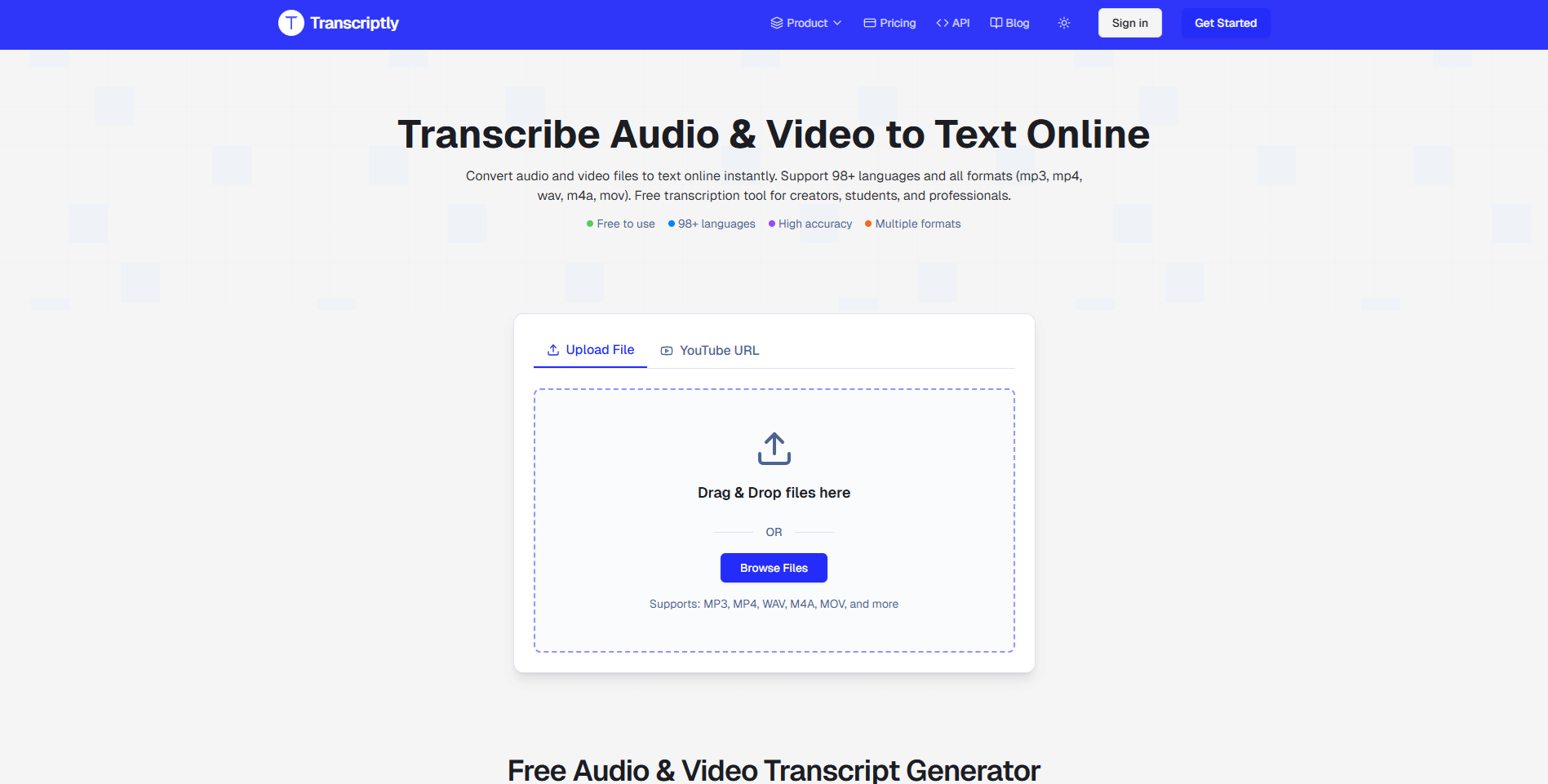 transcriptly.org · open full screenshot
- Starts at
- $6 / month
- Free plan
- Yes
- Platforms
- web
- API
- Yes
- Category
- AI Transcription
What Transcriptly does
YouTube transcript from a link
Paste a YouTube URL and the tool pulls the transcript from the video's official captions, including multiple languages when the creator has provided them.
File transcription
Upload audio files such as mp3, m4a, wav, flac or ogg, or video files such as mp4, mov, mkv or webm, and get a text transcript back.
98+ languages
Transcripts can be generated and downloaded in more than 98 languages, which helps with foreign-language research material and language learning.
Export formats
Download the result as SRT, VTT, TXT, CSV, PDF or DOCX, so subtitles can go straight into a video editor and text into a document.
AI insights on transcripts
Ask the AI about a finished transcript to get a summary, key points or other takeaways instead of reading the whole thing.
Developer API
A REST API lets you submit YouTube URLs programmatically, with endpoints for video info and available languages and for fetching the transcript; API keys are created in the dashboard.
How to use Transcriptly
- 1Create a free account and sign in to the dashboard.
- 2Paste a YouTube URL or upload an audio or video file.
- 3Start the transcription and wait for the text to be generated.
- 4Download the transcript as SRT, VTT, TXT, CSV, PDF or DOCX, or share a link.
- 5Optionally open the AI insights panel to summarise the transcript, or create an API key for programmatic use.
Popular for
Students and researchers
Turn recorded lectures, talks and interviews into searchable text so material can be cited and reviewed without rewatching the video.
Content creators
Produce subtitles for videos and use the transcript text as raw material for blog posts or social posts.
Journalists and writers
Transcribe recorded interviews and press material, then search the text for quotes and keywords.
Developers
Batch-process YouTube transcripts through the API instead of downloading videos and transcribing them one by one.
Transcriptly pricing
Freemium- There is a Free plan at $0 / month with 10 free credits per month.
- Hobby is $6 / month ($72 / year, billed yearly) for 1000 credits per month, Pro is $12 / month ($144 / year, billed yearly) for 3000 credits per month, and Premium is $18 / month ($216 / year, billed yearly) for 6000 credits per month.
- The paid plans add all transcript formats, AI insights, API access, email support and unlimited media file retention, and the site advertises a 40% saving on the yearly billing option.
- Custom plans are available on request for enterprises.
Pros
- A free plan lets you test YouTube transcription before paying anything
- Reading YouTube's own captions means results come back quickly when a video has them
- Subtitles and text can be exported in several common formats, including SRT, VTT and DOCX
- Paid plans keep uploaded media on file without a retention limit
- An API is available for batch work rather than only manual uploads
Cons
- YouTube videos whose creators did not enable captions cannot be transcribed
- It runs in the browser only, with no mobile or desktop app
- API access is listed on paid plans only, not the Free plan
- The Free plan's local file and AI transcript allowance is limited to 10 minutes per month
Transcriptly FAQ
Is Transcriptly free?
Yes, there is a Free plan at $0 / month that includes 10 free credits per month. Paid plans start at $6 / month.
Can Transcriptly transcribe any YouTube video?
No. For YouTube links it uses the video's official captions, so only videos where the creator has enabled captions can be transcribed.
How do credits work?
One credit is used per transcript generation regardless of video length, and each API call also uses one credit. A call to the video-info endpoint costs a credit as well.
What file types can I upload?
Audio formats such as mp3, m4a, wav, flac, ogg and opus, and video formats such as mp4, mov, mkv, avi and webm are accepted.
Can I get subtitles in SRT or VTT?
Yes. Transcripts can be downloaded as SRT, VTT, TXT, CSV, PDF or DOCX, which covers most subtitle and editing workflows.
Does Transcriptly have an API?
Yes, it offers a REST API with API key authentication, available on the paid plans. You create and revoke keys from the API Keys page in your dashboard.
Alternatives in AI Transcription

Written from transcriptly.orgtranscriptly.org/pricingtranscriptly.org/abouttranscriptly.org/docs· reviewed by a person · updated Nov 5, 2026