
Remodel AI is an AI home design app that turns a photo of a room, exterior or garden into a photorealistic redesign in one of 30+ styles. You upload an image, pick a look, and get a rendered result in about 10 seconds instead of waiting on a designer or contractor.
It runs on the web, iOS and Android, and the company says more than 2 million designs have been generated in 170+ countries by homeowners, interior designers, real estate agents and contractors. You can start without an account or a credit card.
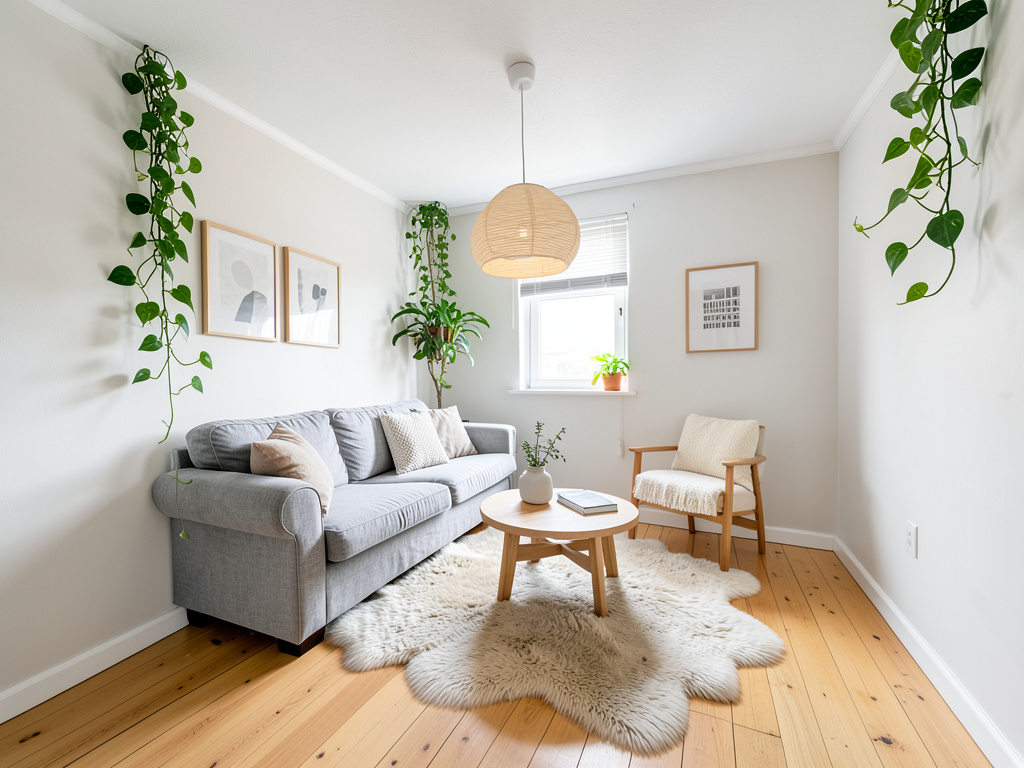 remodelai.io · open full screenshot
- Starts at
- $29 / month
- Free plan
- Yes
- Platforms
- web, ios, android
- API
- Yes
- Category
- AI Interior Design
What Remodel AI does
Interior redesign in 30+ styles
Upload a photo of a living room, kitchen, bedroom or bathroom and choose from styles such as Modern, Scandinavian, Japandi, Farmhouse, Industrial and Coastal. The output is a photorealistic render of your own space rather than a stock image.
Exterior design
Reimagine a home's outside with 11 architectural styles, including Colonial, Craftsman and Mediterranean. Handy for testing a look before committing to siding, paint or landscaping work.
Virtual staging
Fill empty rooms with furniture for property listings, so a bare space can be shown as a furnished one without moving real furniture in.
Floor, wall and furniture previews
Preview hardwood, tile or marble flooring and try wall colors before buying paint. The furniture swap tool replaces a single piece while keeping the rest of the room intact.
Object removal
Clean clutter, unwanted furniture or other items out of a photo before generating a redesign, so the result is based on the space you actually want to see.
Landscape design
Plan gardens, patios and outdoor living spaces using 10 landscape styles, alongside the interior and exterior tools.
How to use Remodel AI
- 1Open remodelai.io/app in a browser or install the iOS or Android app, then pick one of the design tools.
- 2Upload a photo of the room, exterior or garden you want to change.
- 3Choose a style from the available interior, exterior or landscape options.
- 4Wait about 10 seconds for the render, then compare it with the original using the before/after slider.
- 5Download or share the design, and try other styles before settling on one.
Popular for
Homeowners planning a renovation
Test several looks on a photo of the actual room before spending money on a remodel, and bring the render to a contractor as a reference.
Interior designers
Produce quick concept visuals for client presentations and show a space in more than one style in a single meeting.
Real estate agents
Stage empty rooms for listings and show buyers a furnished version of a property without physical staging.
DIY enthusiasts
Try paint colors, flooring and furniture changes on a photo before buying materials or picking up a brush.
Remodel AI pricing
Freemium- The Free plan includes 3 designs at full quality with no credit card.
- Pro is $29 per month, or $349 per year when billed yearly, and covers 1,000 designs per month.
- Premium is $49 per month, or $599 per year when billed yearly, with 5,000 designs per month.
- Ultra is $99 per month, or $1199 per year when billed yearly, with 25,000 designs per month.
Pros
- 30+ interior styles, 11 exterior styles and 10 landscape styles to compare on the same photo.
- Before/after comparison and shareable designs are included even on the free plan.
- Designs come back in about 10 seconds, so trying several styles in one sitting is practical.
- Works in a browser and as iOS and Android apps, so you can shoot a photo on a phone and render it there.
Cons
- Paid plans cap designs per month: 1,000 on Pro, 5,000 on Premium and 25,000 on Ultra.
- The free plan is limited to standard quality renders, with no HD downloads and no watermark removal.
- Team sharing is listed only on the Ultra plan, so small studios need the top tier to share work.
Remodel AI FAQ
Is Remodel AI free?
Yes. There is a free plan with 3 designs at full quality and no credit card required. Paid plans add more designs per month and higher-quality renders.
What is Remodel AI used for?
Redesigning rooms, home exteriors and gardens from a photo, plus virtual staging, floor and paint previews, object removal and furniture swaps.
Can I use the designs commercially or connect through an API?
Both are listed only on the Ultra plan, which includes a commercial license and API access.
Are there free tools on the site besides the design app?
Yes. The site offers a design style quiz and a remodel cost calculator, both free to use.
Written from remodelai.ioremodelai.io/pricingremodelai.io/quiz/design-styleremodelai.io/aboutremodelai.io/guides· reviewed by a person · updated Nov 4, 2026