

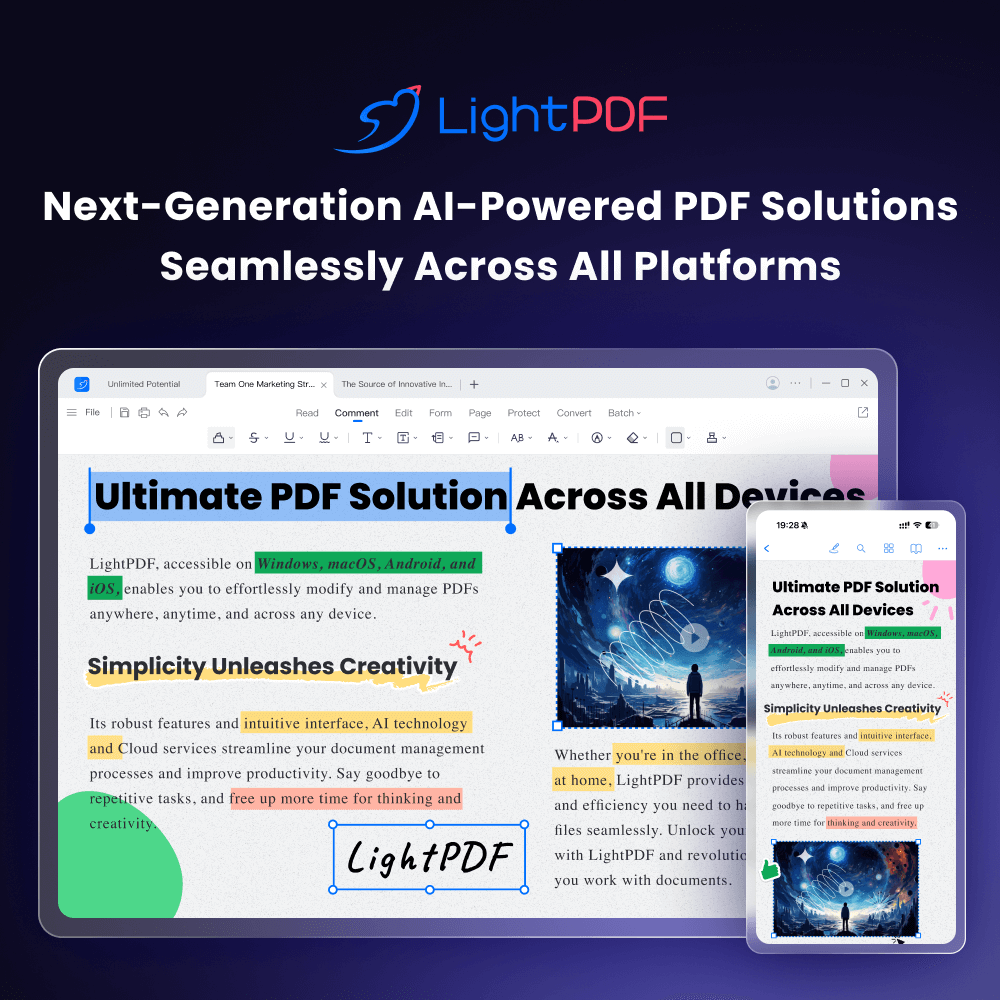
LightPDF is an AI-powered PDF tool that edits, converts, annotates, signs, organises and chats with documents. It runs in the browser and through apps for Windows, Mac, iPhone/iPad and Android.
The AI layer sits on top of the usual PDF toolkit: you can ask questions about a file, generate a PDF or a slide deck, translate a document, or turn it into a mind map and summary. A single Pro plan covers both the standard PDF tools and the AI features, so the editing and the AI work happen in the same place rather than in two separate subscriptions.
 lightpdf.com · open full screenshot
- Pricing
- Freemium
- Category
- AI PDF & Documents
What LightPDF does
Editing, conversion and signing
Edit, convert, annotate, sign and organise PDFs from one toolbar. OCR is included for scanned documents, so image-only files can be worked on too.
Edit text inside images
A separate tool changes the text in an image without rebuilding the design, which suits posters, labels and scanned forms where the layout has to stay as it is.
Chat with a document
ChatPDF answers questions about an uploaded PDF, and the AI Agent takes follow-up questions and shows the citations behind each answer so you can check the source passage.
AI generation
Generate a PDF from a prompt, turn a document into a slide deck, or produce mind maps, summaries and structured analysis from a file you upload.
Document translation
Translate a whole document while keeping its original layout, with support for 20+ languages. The same translation works on images and scanned PDFs.
How to use LightPDF
- 1Create a free account on the LightPDF site; the web app needs no install.
- 2Upload a PDF or pick a tool from the tool list.
- 3Run the action you need: edit, convert, sign, translate, or an AI task such as chat, summary or generation.
- 4Download the finished file, or reopen it later from cloud storage.
Popular for
Reading long reports and papers
Students and researchers can put a PDF into ChatPDF and ask for the key points instead of reading cover to cover, then follow the citations back to the passages that matter.
Everyday office paperwork
People handling contracts, invoices and forms can edit, sign, annotate and convert files without moving between several tools.
Multilingual documents
Teams working across languages can translate a full document or a scanned PDF and keep the original layout, so the translated version still looks like the source.
Turning documents into presentations
Consultants and trainers can turn a report into a slide deck, or into a mind map, for a meeting without rebuilding the structure by hand.
Pros
- Standard PDF tools and the AI features sit in one app instead of separate subscriptions.
- A free plan lets you try the web editor before paying anything.
- Paid plans lift the file-size cap and add batch processing.
- Extra AI credits can be bought on their own when an allowance runs out.
Cons
- The free plan is web-only, so the desktop and mobile apps require a paid plan.
- Batch processing is not available on the free plan.
- Watermark-free downloads are not included in the free plan.
- Some AI tools are capped per day on the free tier, such as the AI Agent at 3 questions a day and ChatPDF at 1 file a day.
LightPDF FAQ
Is LightPDF free?
Yes, there is a free plan. It limits files to 10MB and includes one year of cloud storage for up to 5 files.
What is LightPDF used for?
It covers routine PDF work such as editing, converting, signing, annotating and organising, plus AI tasks like chatting with a document, translating it, or turning it into a summary or slide deck.
How do AI credits work?
AI features are billed in credits, and each tool uses a different amount per use. Allowances vary by plan, and additional credits can be bought separately.
Is there a plan for teams or schools?
Yes. The pricing page separates individual plans from team and business plans, and from education plans.
Written from lightpdf.comlightpdf.com/pricing· reviewed by a person · updated Nov 2, 2026