

GPTHumanizer is a web-based AI writing tool that rewrites text produced by ChatGPT, Claude, Gemini and similar models so it reads more naturally, while aiming to keep the original meaning and tone. It bundles the humanizer with an AI detector, a plagiarism checker, a ChatGPT detector, an AI translator, a word counter and a citation checker.
The rewrite works at sentence and paragraph level rather than swapping single words, and you can pick a lighter pass or a deeper rewrite depending on the draft. The company says it is used by 1.5M+ students and professionals, and the site states the tool is for editing and polishing drafts, not for misrepresenting authorship; results on third-party AI detectors are not guaranteed.
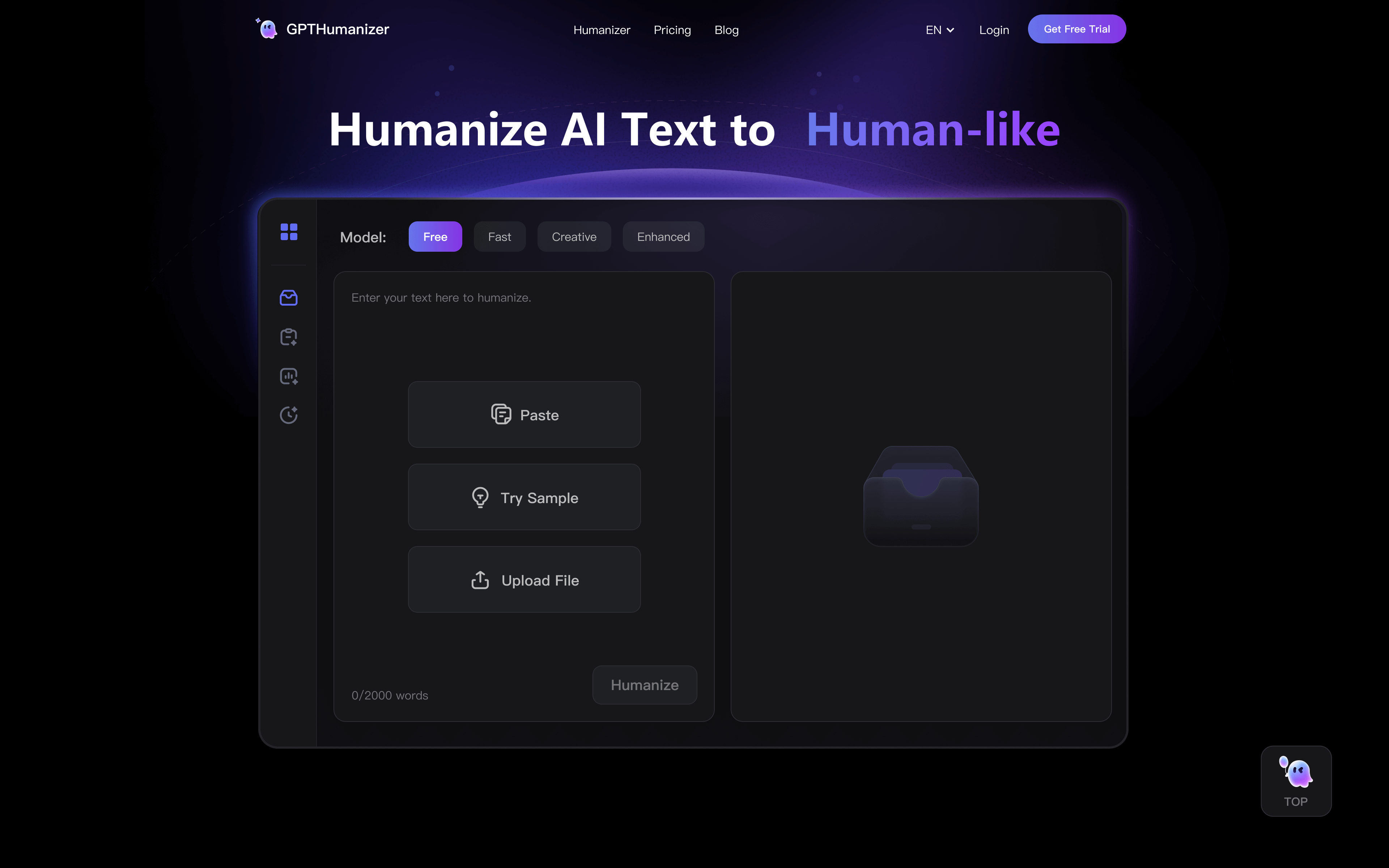 gpthumanizer.ai · open full screenshot
- Starts at
- $4.99 / month
- Free plan
- Yes
- Platforms
- web
- Category
- AI Humanizer
What GPTHumanizer does
Three rewrite depths
Choose Lite for a quick cleanup, Pro for a fuller rewrite, or Ultra for longer pieces such as blog posts and marketing copy. The free Lite model can be used without creating an account.
Style and tone control
Pick from 8 writing styles that match your goal, whether that is a blog post, an email or professional communication, while keeping your message intact.
11-language support
Humanization works in 11 languages, including English and Spanish, so you can rewrite text in the language you are already writing in.
AI detector and ChatGPT detector
Check text for machine-written patterns with the built-in AI checker, which is listed as unlimited words on every paid plan. A separate ChatGPT detector is also available.
Plagiarism and citation checks
A plagiarism checker and an AI citation checker sit alongside the humanizer, which is useful when a draft has to be cleared before publishing or submitting.
Extra writing tools
The same site includes an AI translator, a word counter and an AI writing agent, so supporting tasks do not need a second tool.
How to use GPTHumanizer
- 1Paste your AI-generated draft into the text box on the humanizer page.
- 2Pick a model level (Lite, Pro or Ultra) and a writing style.
- 3Click Check or Humanize to run the rewrite.
- 4Review the output against your original, checking numbers, terms and citations.
- 5Copy the result; run the AI detector or plagiarism checker first if the draft needs clearance.
Popular for
Academic and ESL writing
Students, including non-native English writers, use it to smooth clarity and sentence flow while keeping their argument, terminology and citations intact.
Blogs and long-form content
Content marketers run multi-section drafts through it to get smoother transitions and a more even tone across a whole article, rather than polishing paragraph by paragraph.
SEO and content refresh
SEO teams use it to tighten weak paragraphs and remove filler while preserving key terms, which the site frames as improving readability rather than keyword stuffing.
Business writing
Professionals use it on emails and internal documents where the wording has to sound like something they would actually send.
GPTHumanizer pricing
Freemium- There is a free tier built on the Lite model, with no sign-up or login required.
- Paid plans are listed per month: Basic at $4.99/month gives 5,000 humanizer words per month, up to 800 words per request, unlimited AI checker words and 3,000 plagiarism-checker words per month; Standard at $9.99/month raises this to 30,000 humanizer words per month, 1,200 words per request and 10,000 plagiarism-checker words; Pro at $14.99/month gives unlimited humanizer words, up to 4,000 words per request, 30,000 plagiarism-checker words and priority support.
- All three plans include the Lite, Pro and Ultra models, 8 styles and 11 languages; the pricing page has a monthly/yearly toggle.
Pros
- A free Lite model you can try without signing up or logging in
- AI checker listed as unlimited words on every paid plan
- Plagiarism checking, an AI detector and a translator included in the same place
- 8 writing styles and support for 11 languages
- Separate Lite, Pro and Ultra depths so short and long drafts get different treatment
Cons
- Each request has a word cap, so very long drafts have to be split into sections
- The free Lite model runs out quickly according to a user review quoted on the site
- Web only, with no desktop or mobile app listed
- The site says it does not guarantee results on third-party AI detectors
GPTHumanizer FAQ
Is GPTHumanizer free?
Yes. There is a free Lite model that you can use without signing up or logging in, and paid plans add more words, deeper rewrite modes and the plagiarism checker allowance.
What is GPTHumanizer used for?
It rewrites AI-generated text from tools like ChatGPT, Claude and Gemini into more natural-sounding writing, and it also checks text with an AI detector, plagiarism checker and citation checker.
Which AI models does it work with?
The site names ChatGPT, Claude and Gemini output as the kind of text it humanizes, and the detector section includes a dedicated ChatGPT detector.
Does it support languages other than English?
Yes, humanization is supported in 11 languages, including English and Spanish, on all plans.
Will humanized text pass AI detectors?
The site states it does not guarantee any specific outcome on third-party AI detectors, since detector results can vary by text, language, context and detector updates.
Is it allowed for academic work?
GPTHumanizer says it is for legitimate editing such as polishing drafts and improving flow, and that you must follow your school's or employer's rules on AI-assisted writing and disclosure.
Written from gpthumanizer.aigpthumanizer.ai/pricinggpthumanizer.ai/faqgpthumanizer.ai/aboutgpthumanizer.ai/use-cases/ai-humanizer· reviewed by a person · updated Oct 31, 2026